May 20, 2025
The required PC configuration depends on the operating system and the size of the visualization project you will create.
To work on common projects (about 2000 tags), we recommend the following minimum PC configuration:
The complete installation of the development environment including the graphics library and runtime software requires approx. 1 GB of free hard disk space.
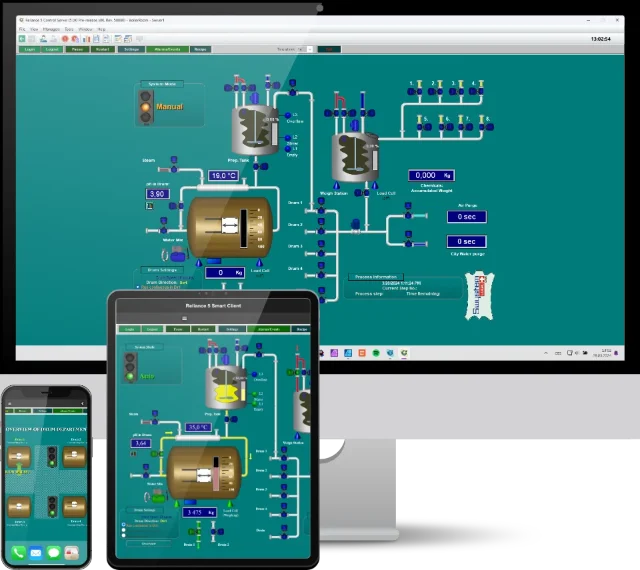
The software modules of the Reliance system can be run on:
Both 32-bit and 64-bit versions of Windows operating systems can be used.
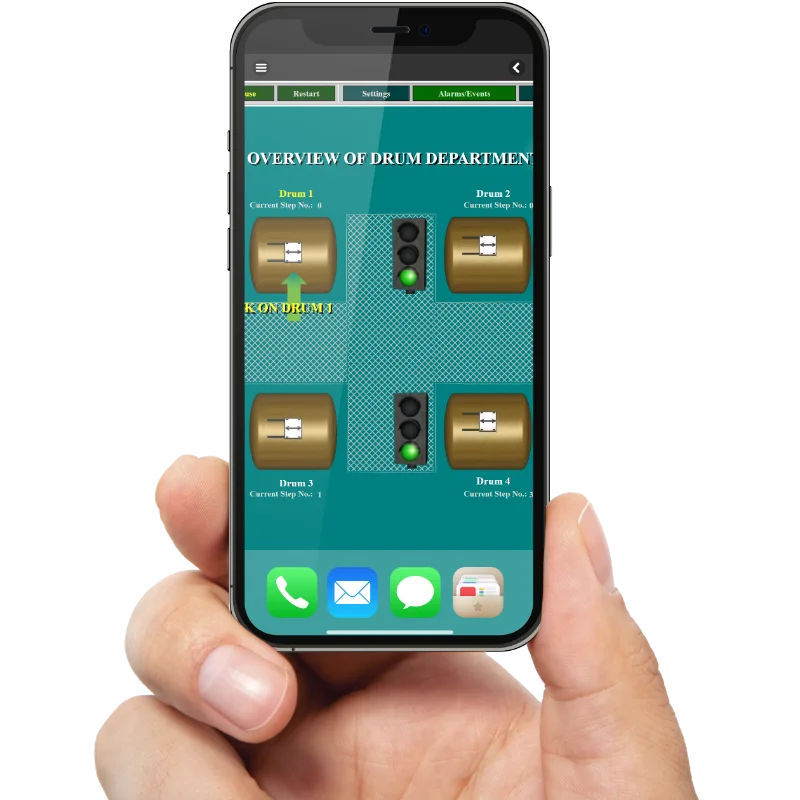
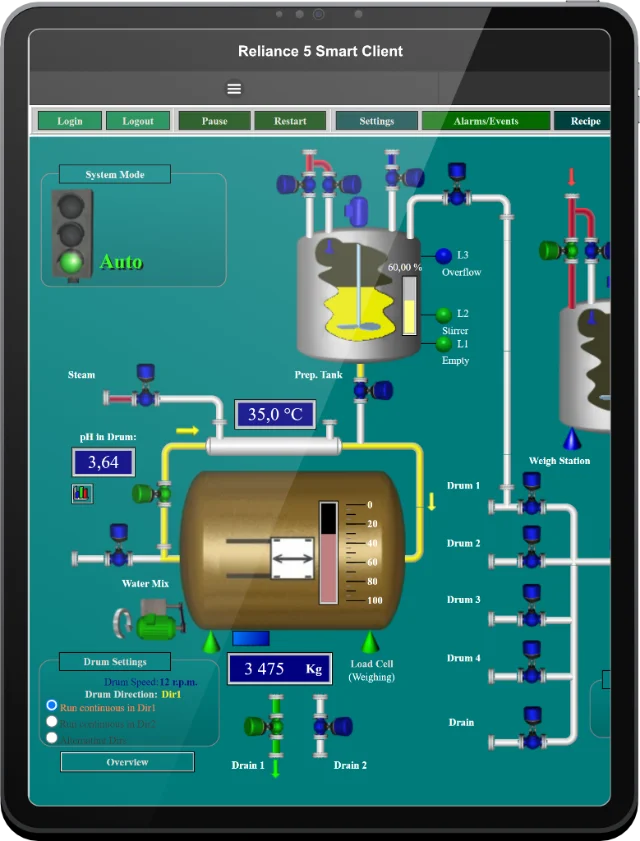
Reliance Web Client can be run on all operating systems on condition that the Java Runtime Environment (Windows, Linux, macOS) is installed on the computer, and Reliance Smart Client can run on any modern Web browser supporting HTML5, CSS, JavaScript, and cookies.
If you have any questions, please feel free to email or call us.
Phone:
Info:
Sales:
Suppor:


Phone:
Info:
Sales:
Support:

Phone:
Info:
Sales:
Support:
GEOVAP
Cechovo nabrezi 1790
530 03 Pardubice
Czechia
© 2026 GEOVAP | Terms of Use and Privacy Policy | Cookie preferences | Write to us