May 12, 2025
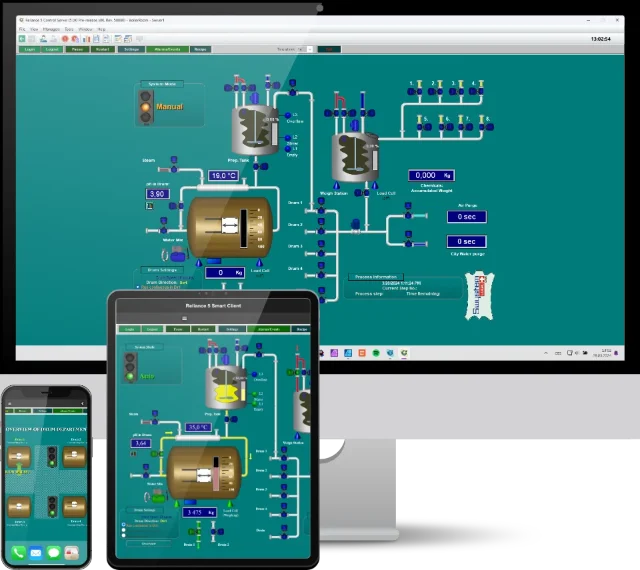
After five years of development, the new features and significant enhancements of Reliance 5 are now ready for you to explore. This new major release has already been implemented in an extremely complex project involving over 4 million tags, along with a lot of optimizations that greatly increase the speed of Reliance.
The latest version not only offers improvements for users but also adheres to the security requirements recommended by the National Cyber and Information Security Agency. Throughout the development process, a strong emphasis was placed on security, quality, and ease of use.
Additionally, Reliance 5 introduces a new licensing policy designed to simplify pricing calculations. This change allows licenses to be tailored to meet the specific needs of end customers, such as differentiating data points for communication drivers.
We had received numerous requests, ideas, and recommendations, though not all of them were implemented in this new version. Therefore, we will continue to enhance the Reliance 5 system with additional features and capabilities, just as we did with the previous version.
We will continue to support and provide the Reliance 4 system. However, its further development and expansion will no longer take place.
Projects created in Reliance 4 can be easily opened in the Reliance 5 Design development environment. The project is automatically converted upon opening – no changes are required.
Reliance 5 SCADA/HMI
Reliance 5 is a professional SCADA/HMI system designed for monitoring and controlling industrial processes and for building automation.
Learn More About Reliance 5
News and improvements
General
- substantially increased the stability, security, and performance of all Reliance modules
- many time-consuming operations are now performed in the background (in parallel), which results in faster completion
- substantially accelerated searching for objects and components, especially by name
- the system is already running on large-scale applications (millions of tags) in critical infrastructure where security, speed, and robustness are highly emphasized
- updated the graphical user interface (new icons and graphics have been added, controls for selecting/specifying links have been simplified)
64-bit Reliance
- allows utilizing all available computer memory (the 32-bit version uses a maximum of 3.7 GB)
- has a separate installation program
New terminology
The following terms have been changed:
- "Access rights" → "Permissions"
- "Alarm/event" → "Alarm"
Alarms
- revamped the alarm system
- alarms are now defined via the Alarm Manager
- an alarm is no longer linked to a tag; instead, the tag is linked to the alarm (so, the link direction is opposite to what it used to be)
- an alarm can be common to any number of tags from various devices (multiple tags can be linked to the same alarm); defining a small number of alarms in an entire SCADA project is now sufficient
- alarm evaluation is now performed based on tag value/quality change
- added the ability to use custom variables for an alarm's text and description
- added other variables that can be inserted into an alarm's text:
- $(TagDescr) for a tag's "Description"
- $(TagTechName) for a tag's "Technical name"
- added the ability to hide an active acknowledged alarm, e.g., an alarm generated as a result of a sensor malfunction; after exchanging the sensor, the alarm ceases to exist if generated again, it will be shown without the necessity of manually restoring its display
- the runtime software is equipped with a new tool for managing hidden alarms
- introduced permissions for viewing alarms
- introduced permissions for viewing internal alarms (they are defined for a computer via the Project Structure Manager)
- added the ability to generate alarms using the RAlm.SetAlarm function from a script
- the historical alarm viewer in the runtime software is now part of the main window (as well as the current alarm viewer)
- improved inhibiting/suppressing alarms using a tag: it is now possible to suppress the generation of an alarm or its display, sounds, and requiring acknowledgment
- an alarm's receipt time is now transferred between computers (servers and clients) when synchronizing alarms (it is the same on all computers)
- added the ability to generate an alarm when failing to write a tag
- removed playing the same sound for each alarm
- an alarm's sound is now played only if the logged-on user is permitted to view the alarm
- relocated defining alarm types and groups from the Project Options dialog to the Alarm Manager
- added optional security for various operations (closing an alarm viewer, acknowledging all alarms, etc.)
- supplemented the "Condition" property with the "Value out of range" option
- added the "Allow use at runtime" option
- added the ability to select a device type for alarms whose "Condition" property is set to "Event from device"
- alarms generated as a result of changing a dynamic limit have now their start time determined by the time of this change
- alarms generated by enabling/unblocking them have now their start time determined by the time they were enabled/unblocked
- "Select Alarms" dialog: added the "Type" and "Condition" columns
- added the ability to load unacknowledged internal alarms from a database to the list of current alarms (at project startup)
- added the ability to transfer and synchronize internal alarms and alarms generated from a script between computers (servers and clients)
- substantially accelerated synchronizing alarms between computers (servers and clients)
- alarms in an SQL database:
- accelerated searching for alarms
- accelerated loading current alarms when starting a project
Data structures
- added the ability to set up selected tag properties at the level of data structure fields (the "Optional" page)
- all tags created according to data structure fields have the same value of these properties, which makes SCADA project management easier
- added support for SMA and IEC62056 devices
Devices
- Device Manager:
- substantially accelerated synchronizing tags with data structures
- added the ability to change a data structure type for a selected tag
- added the ability to change a device type including a data structure type for all tags defined within the device
- added the ability to enter permissions and alarm groups for a device
Tags
- introduced new properties:
- Custom data
- Share with runtime clients
- Minimum and Maximum (statistical data)
- added new types of special internal tags, for example:
- Web server status
- Current internal alarms
- Program handle count
- Driver Server GDI handle count
- User log-on date/time
- Project version – time stamp
- Project version – information
- Available project version – time stamp
- Available project version – information
- Project hash
Actions
- added new action types, for example:
- Restart project
- Show Startup Event Log
- Select color
- Select window layout
- Edit window layouts
Scripts
- added a number of new functions, for example:
- RSys.CreateAutomationObject
- RSys.GetProjectHash
- RTag.SetTagValueEx
- RTag.SetCustomHighlight
- RAlm.CreateAlarmData
- RAlm.CreateAlarmFromData
- RAlm.SetAlarm
- RAlm.AckTagAlarm
- RAlm.AckTagAlarms
- RSys.ShowTagDbTrends
- RSys.SaveDbTrend
- RSys.SaveTagDbTrend
- RSys.SaveDbReport
- RSys.SaveTagDbReport
- RSys.SaveTagDbTrends
- RSys.PrintTagDbReport
- RSys.PrintTagDbTrends
- the function for acquiring a specified tag's alarm list
- functions for working with data overrides
- functions working with the GUI (e.g., RSys.ActivateWindow) can now be also used for the thin clients (Web Client and Smart Client)
- added detailed information on a script error to the error message (e.g., which project-defined tag was not found)
- added new properties to the data object returned by the RScr.GetCurrentScriptDataEx function
- added an optional parameter to the RSys.ActivateWindow function (it is now possible to open windows on a monitor regardless of the mouse cursor position)
- substantially accelerated running a large number of scripts
- added the ability to run a selected script when an error occurs in a script
- altered the RSys.RelativePathToPath function: the name of an environment variable no longer needs to have a trailing backslash
- added access to project-defined object (e.g., device) properties (there's a new function named GetProperty in an object retrieved by the RProj.GetObject or RProj.GetObjectList functions)
- added new properties to the object RConst.ProjObjType (constants of the following object types: State list, State, State list folder, State folder)
- added the ability to highlight components with a link to a specified tag (RTag.SetCustomHighlight)
Recipes
- processing files (checking, reading, writing) is now performed in the background
Trends
- revamped the trend viewer
- added the ability to render lines and text with smoothing (antialiasing)
- added the Navigation panel showing time periods (years, months, days) in the form of a tree structure
- made editing and hiding series easier
- added support for event-based historical data
- added support for defined data qualities
- added support for displaying data overrides
- added the Area chart type
- added the ability to draw series until the time of the last communication (this only applies to data from IEC104 devices)
- added the ability to store the ruler's time stamp in a tag
- added the ability to display a trend for a tag list created by successively selecting components with the mouse (supported in both the runtime software and thin clients)
- Trend Manager: added the ability to link a trend series to a tag (instead of linking it to a data table field)
Reports
- added the Legend panel
- added the ability to automatically update data
- added support for defined data qualities
- added support for displaying data overrides
- added commands for scrolling
- added indicating turning on a filter to the status bar (including the names of active filters)
- improved exporting reports to the XLS and XLSX formats (cell formatting is now performed according to a tag's properties; previously, cell formatting was set to "Text")
- improved exporting reports to the CSV format (exporting displayed columns, adjusting the formatting of numerical values, etc.)
Windows
- accelerated loading windows in the runtime software
- added the ability to display a window instead of a different one from the same folder (Window Properties > Basic > "Replace window from same folder")
- added the ability to display a window at the mouse cursor (Window Properties > Basic > Placement > At mouse cursor)
- added the ability to show a visualization window on multiple monitors at a time (this only applies to the runtime software)
- added the ability to save the window layout under a name and to load it later on
- added the ability to control the visibility of a layer by a tag
- the size of a window is also changed when changing the scale
Components
- Display:
- allows displaying other tag properties (quality, time stamp, name, alias, eng. units, etc.)
- Container:
- added filtering current and historical alarms by tag-controlled device list
- added filtering historical alarms by tag-controlled alarm-type list
- added the ability to change a template's size
- added support for anchors in a template
- BACnet – Calendar:
- a new component that allows for displaying and editing a calendar within a BACnet device
- BACnet – Exception Schedule:
- a new component that allows for displaying and editing an exception schedule within a BACnet device
- Domat – Schedule:
- a new component that allows for displaying and editing a schedule within a Domat device
- Domat – Exception Schedule:
- a new component that allows for displaying and editing an exception schedule within a Domat device
- Trend – Schedule:
- a new component that allows for displaying and editing a schedule within a Trend device
- Web Browser:
- a new component based on WebView2 (Microsoft's Chromium-based Edge)
Tag-controlled object properties
- many properties that could not be previously changed at runtime can now be controlled by a tag, for example:
- action properties
- SQL connections for the alarm database and event-based historical data
- communication channel's IP address and port (only with the unlimited license)
- blocking a communication channel
- activating logging communication with a device (communication channel properties)
- alarm groups specified for a device
Event-based historical data logging
- data is logged to a database on selected events (a change in a tag's value, quality, or time stamp, receiving data from a communication driver)
- added the ability to specify a deadband (so that minor value changes are not logged)
- substantial space savings in a database
- configured for a tag or a data structure field
- added the ability to determine to which table data will be logged (Main common table, Another common table, Separate table)
- there is no need to define data tables via the Data Table Manager
- for relational (SQL) databases only

Limitations of the current version of Reliance 5:
- event-based historical data cannot be synchronized between computers
- reports do not support displaying multiple tags from event-based historical data at once
These features will be added in a future version.
Securing target objects
- the "Secure target objects" option (Project Options > Security > Checking)
- if the option is active, permissions will be specified and checked in a target object (e.g., a tag)
Two-factor authentication (2FA)
- if active, a code generated by an authentication application (e.g., Google Authenticator) will be required to log on the user
Managers
- added the ability to display object aliases in a tree view
- added the ability to search for an object by ID
- added the ability to copy a selected object's ID to the Windows clipboard
- added the ability to connect objects (e.g., devices) to computers according to a pattern using the new Connect Objects to Computers Wizard (the "Connect Objects to Computers" command)
- added the ability to disconnect objects (e.g., devices) from computers using the new Disconnect Objects from Computers Wizard (the "Disconnect Objects from Computers" command)
- CSV import:
- when an object which the imported object refers to cannot be found, an error message is added to the error list and the log file
- accelerated searching for objects which the imported object refers to
- the table of objects' highest IDs (ObjectTypes.rdt) is now saved only if necessary (i.e., if a change occurs)
Project Structure Manager
- relocated turning on logging communication with a device from the Communication Driver Manager to the Project Structure Manager (device > channel)
- relocated a communication channel's "Control" and "Status" options from the level of the channel to the level of the device
- added the ability to link tags for communication channels' status (states: Inactive/Active/All right/Communication error/Main connection/Erroneous properties)
- added the ability to link tags for controlling communication channels
- added the "Automatically log on user" > "Windows user" option
Reliance Design development environment
- revamped and improved the "Welcome" window (redesigned, recent and favorite projects, etc.)
- Project Options: added the ability to define derived data
- Project Options: added the ability to define tag qualities and their corresponding colors for display in trends and reports
- Project Options: added the ability to specify the gradient colors of embedded windows' title bar in the runtime software
- relocated defining permissions from the Project Options dialog to the User Manager
- added a command for generating firewall configuration scripts (TCP port exceptions)
- added a command for searching throughout a project folder and generating a list of non-project files
- substantially accelerated project diagnostics, especially in projects with window templates
- revamped and substantially accelerated enabling/disabling project encryption
- project backup/restoration: added the ability to write a note when backing up a project; the backup's note and time stamp are available in the form of special internal tags
- design window: altered the colors of the handles of the selected components
- design window: added the ability to define the window's inner size (client area)
- design window: added the ability to align components to the reference component (relevant, for example, to the commands "Space Equally, Vertically" and "Space Equally, Horizontally")
- improved importing tags to selected devices from files generated by development environments by adding a dialog for selecting imported tags
Runtime software
- communication between runtime software modules
- substantially accelerated communication
- substantially improved and accelerated some communication functions (e.g., if multiple alarms occur in quick succession, they are sent all at once)
- introduced a common queue for current data and alarms (which results in the interleaving of current data and alarms)
- substantially accelerated preparing current data to be sent (it is now performed in the background)
- added the ability to run a script once the synchronization of current data is completed
- changed the base for TCP port numbers (now 43500, before 50000)
- derived and special internal tags:
- added updates after project startup regardless of the specified update interval
- removed changing a value's time stamp each time the value is changed
- accelerated access to tag values in memory
- logging data to files is now performed in the background
- data tables: added logging/loading each table's last record to/from a common file
- SQL data tables: accelerated logging/loading data to/from a database
- data tables, real-time trends: accelerated logging data to temporary files (at project termination)
- accelerated exporting a project for communication drivers
- project export to an SQL database: divided the export of a table into multiple transactions (in case of a large number of records in one table)
Reliance Server, Reliance Control Server
- data server redundancy: substantially accelerated synchronizing current data
- data server redundancy: added processing data with a time stamp from a device in the primary server when synchronizing data tables
- data server redundancy: added the ability to block the active role by a tag
- added processing historical data received via a REST API
- SQL data tables: accelerated logging data (difference tables) for clients to temporary files
Reliance View, Reliance Control, Reliance Control Server
- the main window now uses the entire monitor area (removed transparent borders)
- replaced the "System Information" window with a dialog where the Web server's diagnostics Web page is embedded
- added support for a custom window layout
- Project Manager: states (defined via the State Manager) are now used to display a tag value
- removed the thick borders of embedded windows (e.g., the current alarm viewer)
- current alarm viewer: added information on the number of hidden alarms to the status bar
- current alarm viewer: added CSV export
- historical alarm viewer:
- improved exporting reports to the CSV format (exporting displayed columns, adjusting the formatting of numerical values, etc.)
- after setting up a time filter, all alarms matching the filter will be displayed (without limiting the count)
- increased the number of alarms loaded from an SQL database when opening the viewer and browsing the history
Web server and server Web page
- a list of roles (e.g., Web Client, Smart Client, REST API, update server, OPC server) can be assigned to the Web server; the Project Structure Manager is used to assign roles
- the Web server is now also available in Reliance View and Reliance Control (allows displaying a Web page for the purpose of diagnostics)
- is started before project startup to display the startup progress
- substantially expanded and improved program diagnostics (added a number of metrics to trends, added an overview of scripts, scripting threads, system threads, and other data)
- added the ability to select the Web server's root directory (WebRoot is the default directory for new projects and ThinClients for existing projects)
- added support for proxy servers
- added support for CORS (Cross-Origin Resource Sharing)
- added user administration
- REST API: substantially improved the interface
- REST API: added another method of security – via user authentication
- REST API: added documentation via OpenAPI
- improved the level of security based on thorough penetration testing performed on applications operating in critical infrastructure
- substantially increased the Web server's performance
Automatic project update
- substantially improved and accelerated
- added updating/synchronizing user profiles
- added the ability to use a backup update server
- uploading a new version of a project, backing up a running project, and restarting a project can now be performed from a Web page
- an overview of all update server clients with basic diagnostics in the form of a table and dashboard is now available on a Web page
- the note and time stamp of the backup of a project deployed on the update server can be used by the server's clients in the form of special internal tags
Connection to relational databases
- Microsoft SQL Server: added support for connecting via Microsoft OLE DB Driver for SQL Server
- added the ability to check the availability of an SQL connection
Reliance Web Client
- added a number of functions that are new to the runtime software
- updated Look & Feel (graphics theme)
- Web Client Launcher
- based on OpenJDK 21
- added the ability to be run on macOS
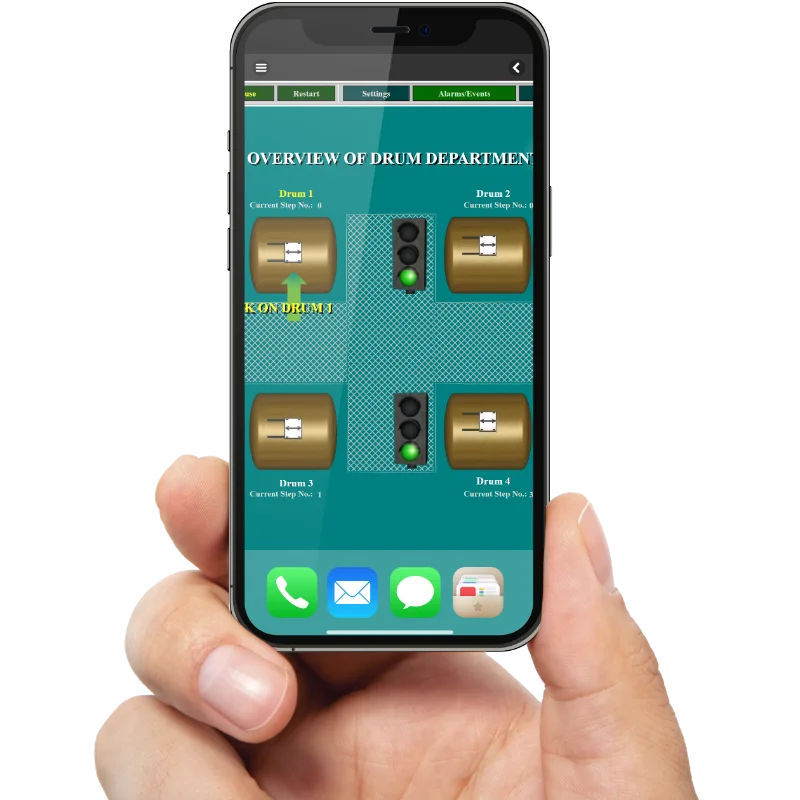
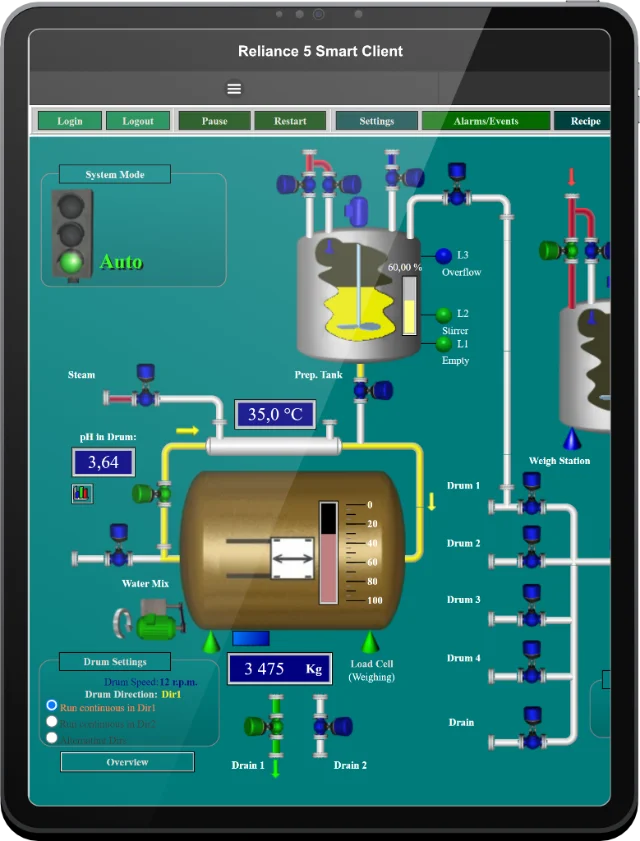
Reliance Smart Client
- added a number of functions that are new to the runtime software
- added support for the right mouse button
- some pages are now opened as dialog boxes (popup)
- improved the responsive behavior of lists, such as the alarm viewer
- components: added support for component blinking
- components: added indicating invalid tag values by a yellow frame
- Button component: added support for the momentary button
- Button component: added support for a button icon
Communication drivers
- new communication drivers:
- Danfoss
- Trend
- SMA
- Domat
- ZZ044
- added support for encrypted communication (TLS) with devices connected via a TCP port
- substantially accelerated logging communications to files (it is now performed in the background)
- Reliance Driver Server (R_DrvSrv.exe) replaced by Reliance Driver Host (R_DrvHost.exe)
- Reliance Driver Host (R_DrvHost.exe) is not a Windows service
- BACnet Driver: added reading alarms
- AMiT Driver: added support for communication with second-generation models
- M-Bus Driver: added support for secondary addressing
Utilities
- Server Manager: a utility for managing servers and uploading a new version of a project to the update server(s)
- R_DTMerge: basic support for VCS (Version Control Software), i.e., the possibility to conveniently use TortoiseSVN, TortoiseGit, etc. (including comparing and merging RDT files)
- RDT File Editor: added quick filtering
- RDT File Editor: added the ability to open a file using drag & drop
RDT format
- a new, substantially improved file-format version for saving a project
- increased the level of security
- altered saving Boolean-type fields so that each field takes only one bit → decreasing project files
- added data compression → the size of project files has substantially decreased
License policy
- only one version of the Reliance Design development environment (with the same functions as those of the previous Reliance Design Enterprise)
- only one version of Reliance Combi Package (with the same functions as those of the previous Reliance Combi Package Enterprise)
- added the possibility of a different number of data points for different communication drivers (or device types) in one license key
- the separate Reliance Server item has been removed from the price list (Reliance Server can be run using a Reliance Control Server license)
- the Reliance Control Server license does not include a thin client license; thin clients must be ordered together with the Reliance Control Server license
- common license for Reliance OPC Server and Reliance OPC UA Server
Other
- changed the storage location for files that are not user-specific from C:\Users\PublicDocuments\GEOVAP to C:\ProgramData\GEOVAP
- a new environment variable $(ProgramData) for working with relative paths has been introduced
- added checking for duplicate IDs of objects of the same type
- added checking for duplicate names of objects of the same type
- selecting multiple items using check boxes (e.g., permissions, alarms, alarm types, alarm groups):
- added the folder name before the object name
- altered sorting an item list: checked items are now listed at the beginning (alphabetically), followed by the rest of the items (alphabetically)
- Active Directory: added support for a backup AD server
- logging: added a subsystem, level, and type to each log record for easier filtering and log record analysis
- added the ability to not display the value of tags of type Date/DateTime and Array of Date/DateTime if it's older than 1900/1/1
- accelerated acquiring the checksum (hash) of RDT files and the entire project
- added sorting records in the main project file (.rp5)
- a special character is now always used for substituting end-of-line characters
- removed EurekaLog (support for sending bug reports); if an exception occurs, the call stack is now written to log files
- updated the TeeChart library to version 2022.34.220125
- updated the FastReport library to version 2024.2.5
- replaced components for drawing SVG images (SVG Control Package 2.4.0)
- the Sentinel LDK Licensing API is now used for license verification in HW keys

Tip:
Haven't found what you were looking for? Use this form to inform us about it.