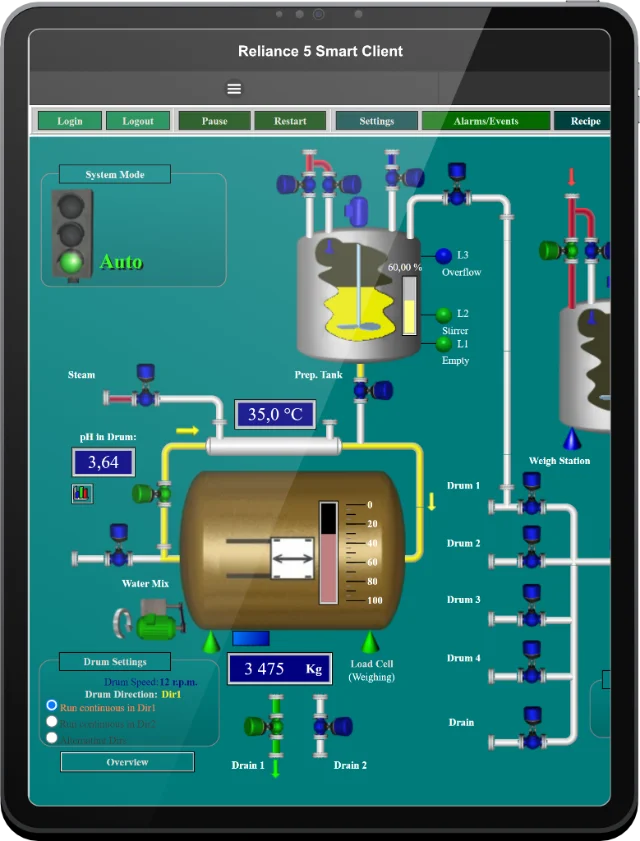
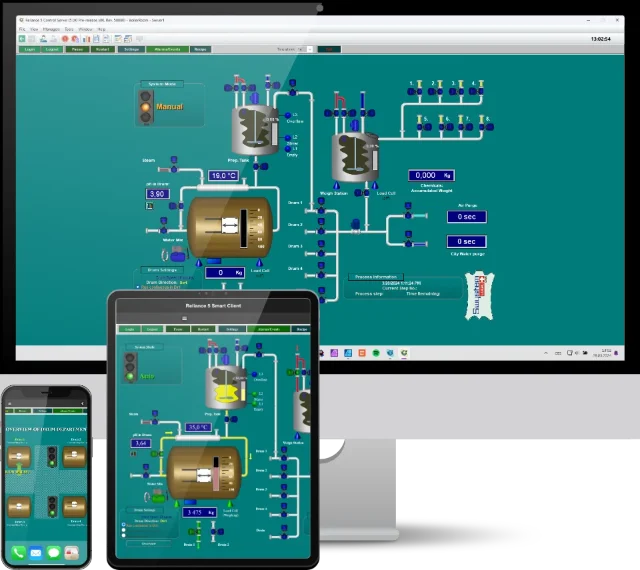
In order for the Reliance J Web client to function correctly, you must use Microsoft Internet Explorer with Microsoft Java Virtual Machine 3802 or higher. Please make sure that your browser is configured to use MS JVM for Java applets and there is no other Java Runtime Environment installed and active. To check the version of MS JVM, execute the command "jview" from the command line.
| Title | Version | Size | Description |
|---|---|---|---|
| MS JVM (Win 9x, NT, ME, XP) | #3810 | 4.8 MB | Microsoft Java Virtual Machine build #3810 for Windows 9x, NT, ME, and XP. |
| MS JVM (Win 9x, NT, ME, XP) | #3805 | 5.4 MB | Microsoft Java Virtual Machine build #3805 for Windows 9x, NT, ME, and XP. |
| MS JVM (Win 2000 EN) | #3805 | 4.5 MB | Microsoft Java Virtual Machine build #3805 for English Windows 2000. |
| MS JVM (Win 2000, SP4) | #3805 | 4.6 MB | Microsoft Java Virtual Machine build #3805 for Windows 2000 with Service Pack 4. |
If you have any questions, please feel free to email or call us.
Phone:
Info:
Sales:
Suppor:


Phone:
Info:
Sales:
Support:

Phone:
Info:
Sales:
Support:
GEOVAP
Cechovo nabrezi 1790
530 03 Pardubice
Czechia
© 2026 GEOVAP | Terms of Use and Privacy Policy | Cookie preferences | Write to us