December 12, 2018
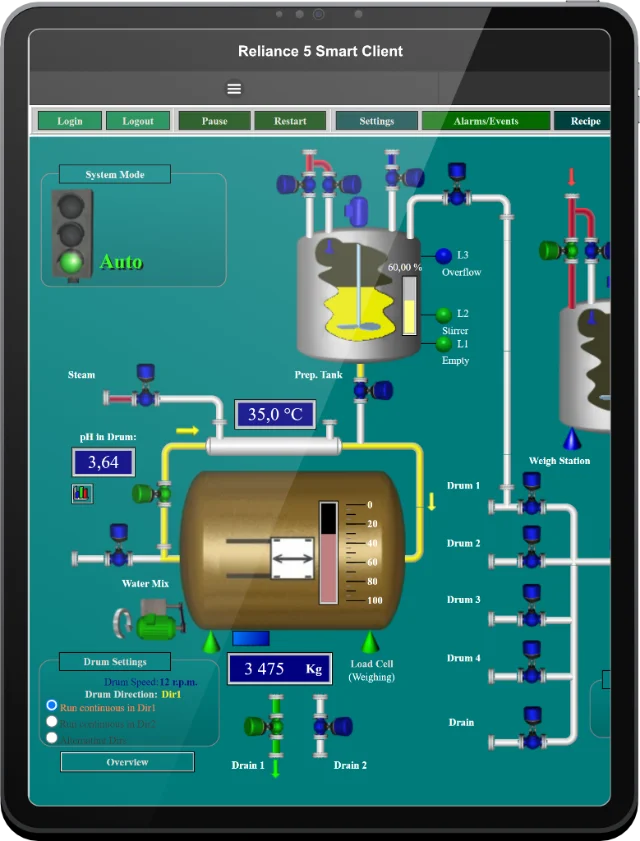
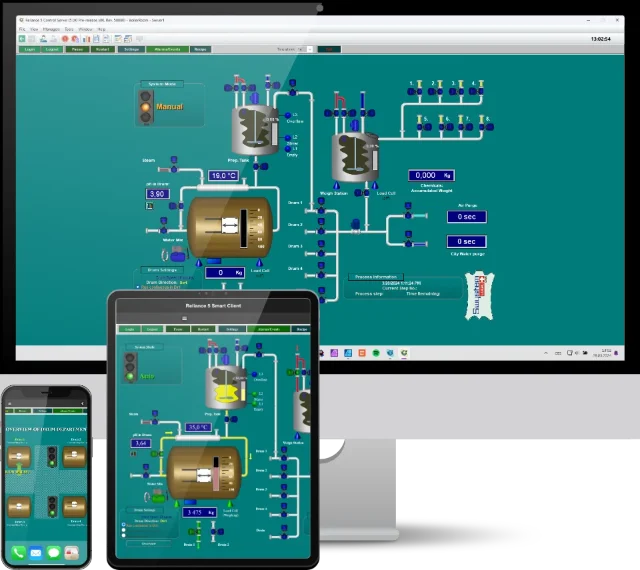
Reliance Web Client is a Java-based program that requires the Java Runtime Environment (JRE) to be installed on the user's computer. Web Client can run either as an applet or through Java Web Start (recommended), which is a framework for distributing and running Java applications.
According to an announcement by Oracle (now managing and maintaining the Java platform), version releases and support policies are undergoing significant changes. The following changes are directly related to the Reliance SCADA system:
GEOVAP responds in time to the above facts. Beginning with version 4.8.1, a new launcher – Reliance Web Client Launcher – is part of the Reliance SCADA system. It acts as a substitute for Java Web Start and allows running Reliance Web Client on the new Java versions.

Reliance 4 Web Client Launcher
The OpenJDK-based JRE – which is part of the launcher – is tailored to Web Client. There is therefore no need to download and install Java on the end user's computer. You just need to download and run Reliance Web Client Launcher, through which you can – for the configuration you have selected – directly run Web Client or create a shortcut to it.
Note: Reliance 4.9.0, Update 16, includes the JRE based on OpenJDK 13.0.2, Reliance 5.0.0, Update 4, includes the JRE based on OpenJDK 21.0.2.
If you have any questions, please feel free to email or call us.
Phone:
Info:
Sales:
Suppor:


Phone:
Info:
Sales:
Support:

Phone:
Info:
Sales:
Support:
GEOVAP
Cechovo nabrezi 1790
530 03 Pardubice
Czechia
© 2026 GEOVAP | Terms of Use and Privacy Policy | Cookie preferences | Write to us